Get Free Vastu Analysis
Upload your floor plan and get a detailed Vastu report. We accept PDF and image formats.
Upload your Floor Plan
Drag & Drop your files here
or click to browse files
PDF
JPG
PNG
Max
10MB
Accepted File Types
PDF Files
JPG / PNG
Maximum file size: 10MB per file. Single file only.
Upload Guidelines
:white_check_mark: Dos
- Upload a clear, full floor plan image or PDF.
- Mark Plot direction (Ex: If North, Arrow is mandatory).
- Include all rooms and main entrance.
- Add plot boundary and road access (if possible).
:x: Don'ts
- Don't upload blurry or cropped images.
- Don't forget Plot direction – plan will be rejected.
- Don't send photos of rooms or interiors.
- Don't share WhatsApp screenshots or watermarked files.
:white_check_mark: Right
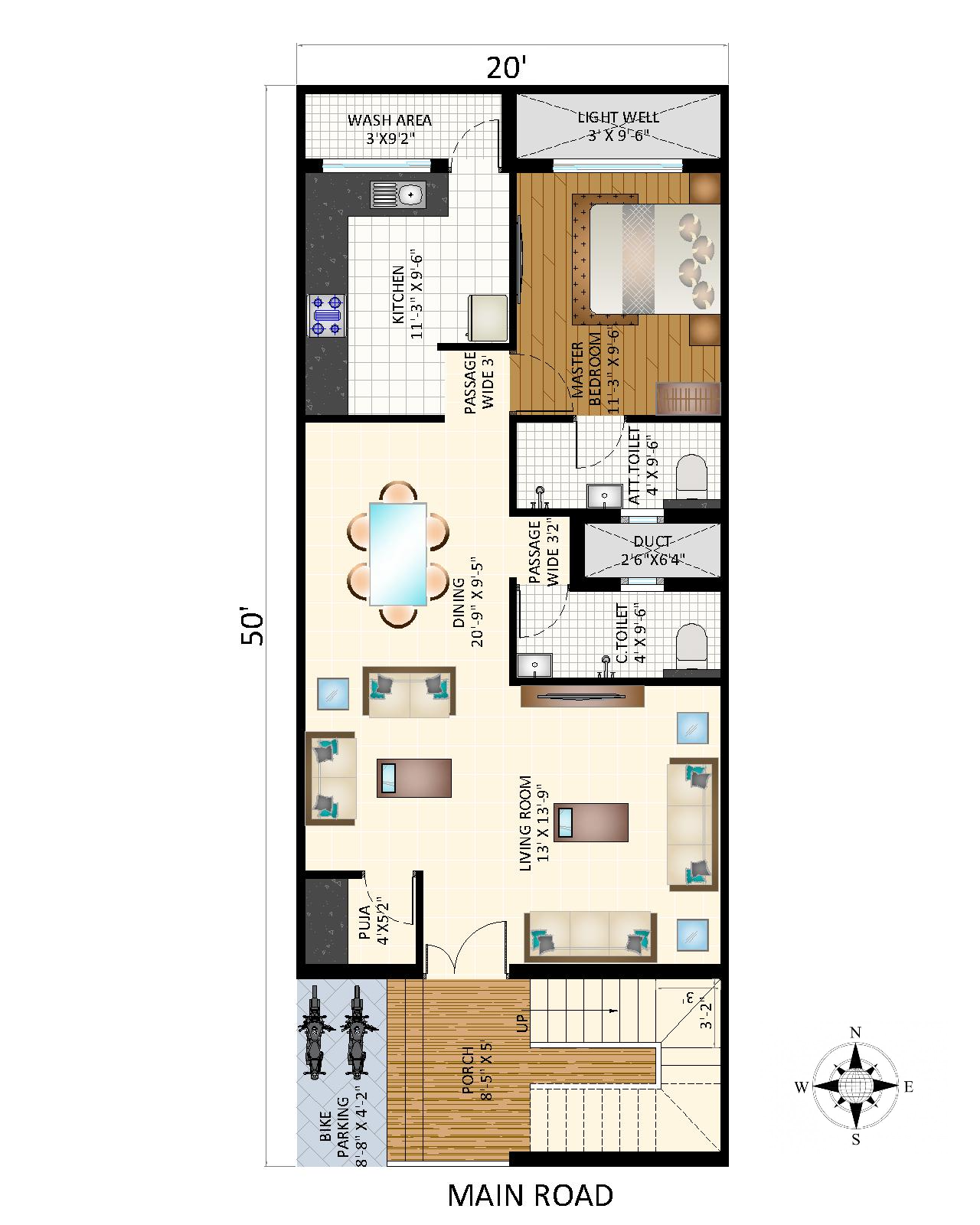
Right Example
Clear top-view plan with directions
:x: Wrong
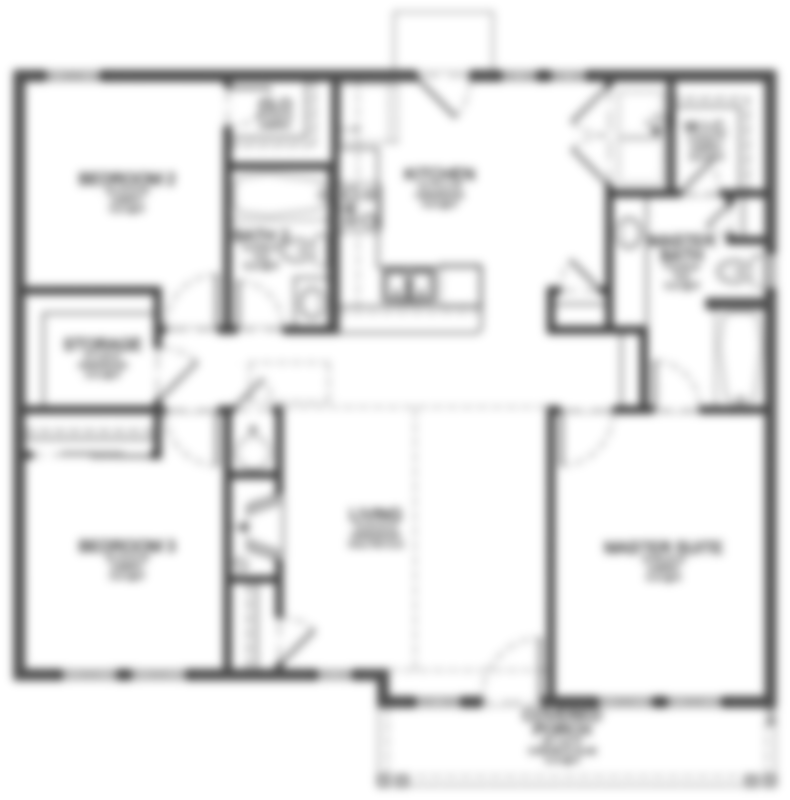

Wrong Example
Angled photo, cropped drawing
Set Plot Direction
Align your floor plan to the correct direction
—
Loading plan...
Converting PDF…
FRONT / ROAD SIDE
Flip
Step 1 · Select Direction Required
Selected
— None —
Tip: This compass always treats the bottom of the ring
(marked "FRONT / ROAD SIDE") as your plot's facing direction — not the top. Picking a
direction rotates that direction to the bottom; dragging the compass face works the same
way.
In "Rotate Image" mode, the Left/Right buttons rotate only the floor plan image.
Selecting a direction is mandatory — the plan cannot be submitted without it.
Our AI tool is analyzing your plan